

Clients
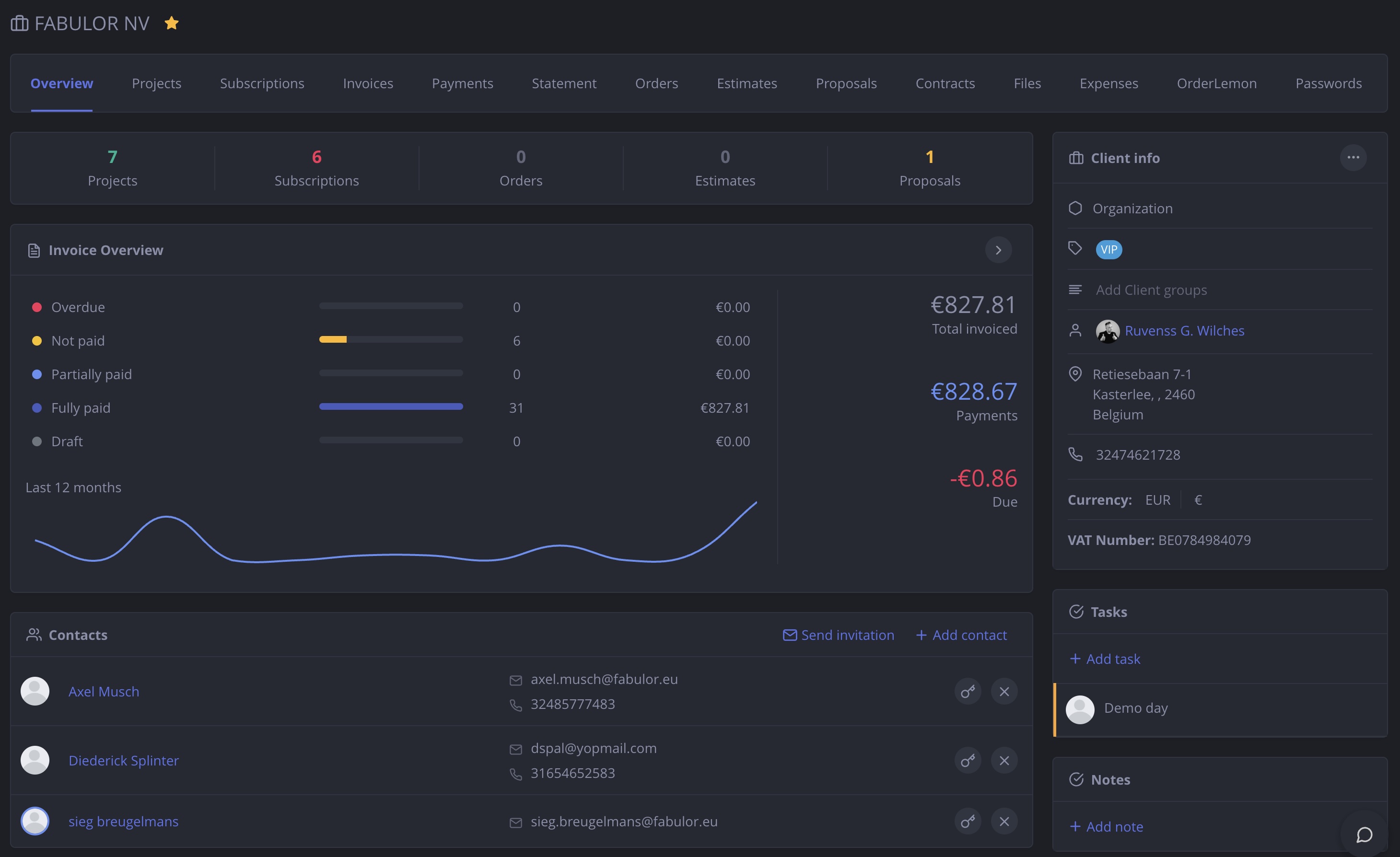
NIZU Clients allows your business to manage client relationships effectively, track interactions, and streamline communication. Each client record holds contacts, invoices, projects, files, and more — all in one place.

Features
Each client is a company that holds its own users, and each user can have their own set of permissions and access rights within the client account.
Clients Portal
Give clients their own login to view invoices, projects, and files
Client users
Manage multiple users per client company with individual permissions
Files vault
Securely store and share files with each client in a dedicated vault
Analytics and overview
Get a full financial and activity overview per client at a glance
Import via Excel
Import your existing client database in bulk via Excel spreadsheet

Connected Apps
Projects
How is connected: Projects are integrated with Clients to provide a comprehensive view of all client-related activities, ensuring project managers have the information they need.
appInvoices
How is connected: Invoices are connected to the Clients App to ensure accurate billing and invoicing based on client-specific agreements and project milestones.
appNo App works alone
Here is a list of other connected apps:
-
Tasks
-
Tickets
-
Expenses
-
Password Manager
-
Subscriptions
Store
How is connected: Store is connected to Clients to provide a seamless shopping experience and personalized recommendations, as well as managing orders and inventory.
appContracts
How is connected: Contracts are connected to Clients to ensure all client agreements are properly managed and tracked, improving compliance and accountability.
app